Find a template and customise it
Templates are the fastest route to a finished seal. They’re real-world layouts — company seals, CA stamps, bank endorsements, status marks, India seals and more — that you edit on top of. Here’s how to find the right one and make it yours.
Browse by category
The Templates page groups everything into 15 categories. Use the category chips to narrow down, or scan the full grid. Each card shows a live preview so you can judge the layout before opening it.
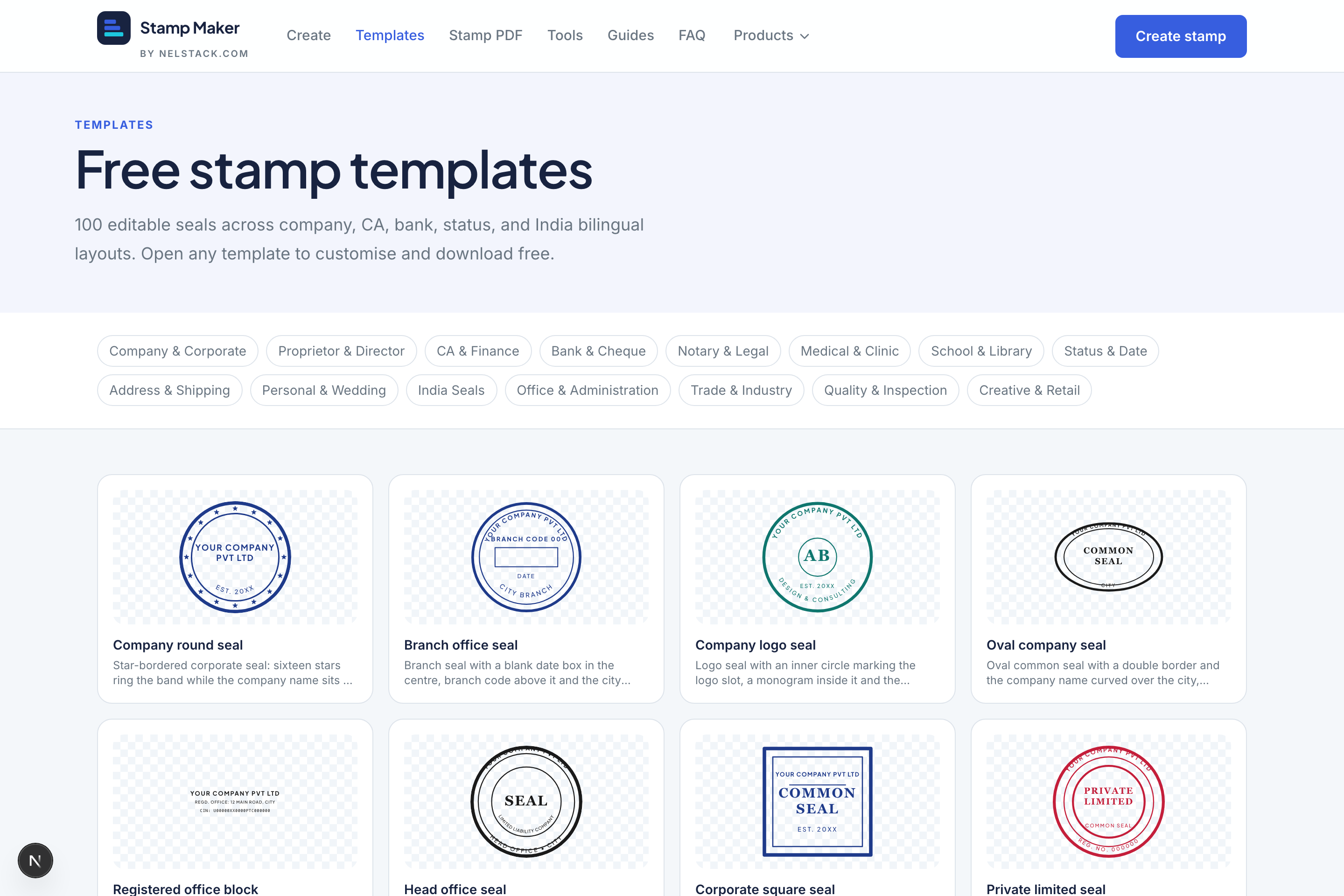
- Company & Corporate, Proprietor & Director — business seals.
- CA & Finance, Bank & Cheque — accountant stamps and endorsements like “Account Payee”.
- Notary & Legal, Office & Administration, India Seals — official-style layouts, including bilingual.
- Medical & Clinic, School & Library, Trade & Industry, Quality & Inspection — sector-specific.
- Status & Date — APPROVED, PAID, RECEIVED, CONFIDENTIAL and dated marks.
- Address & Shipping, Personal & Wedding, Creative & Retail — everyday and personal.
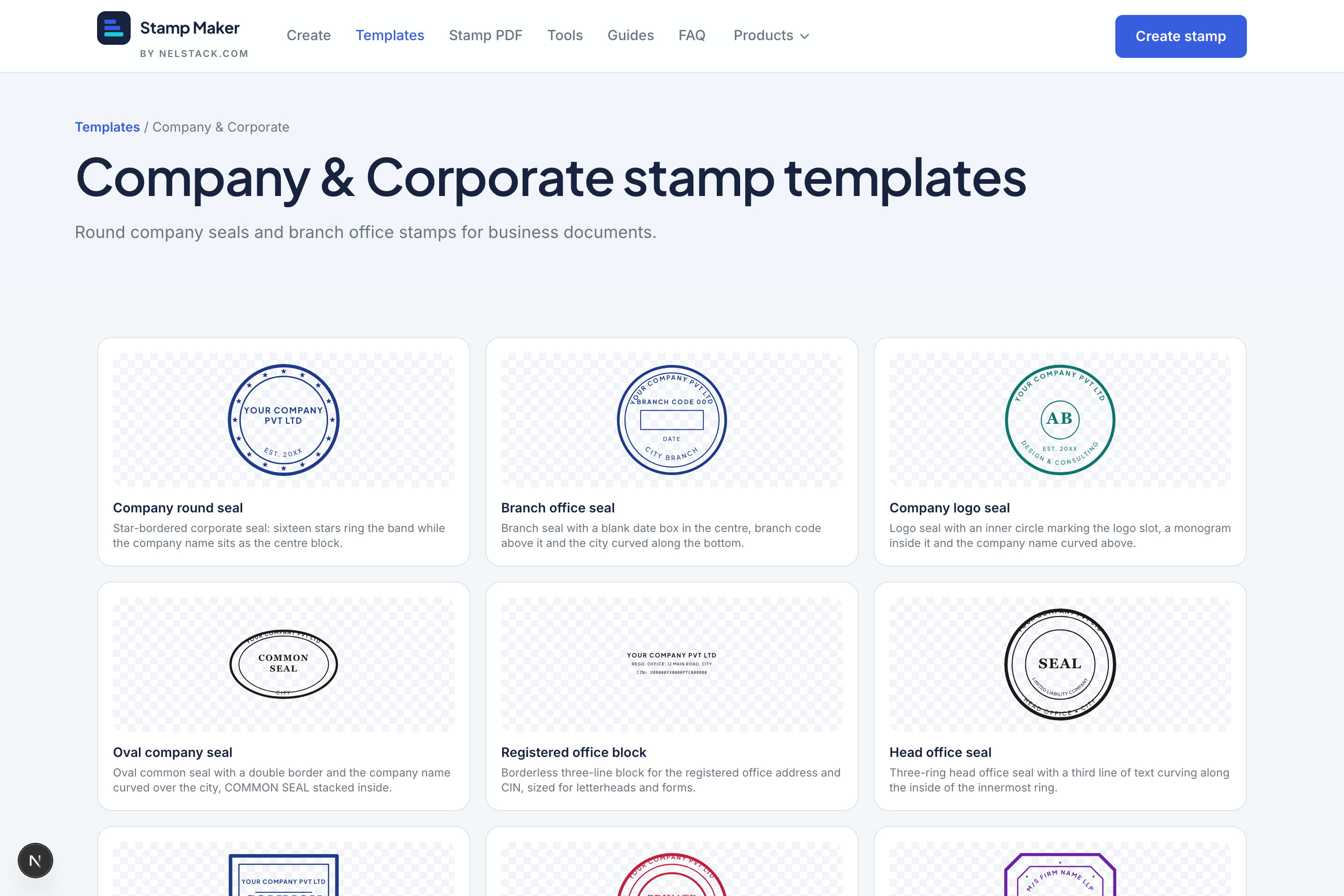
Open and customise
- 1
Open a template’s page
Click a card to see its detail page — the shape, size in millimetres and tags tell you what it’s for.
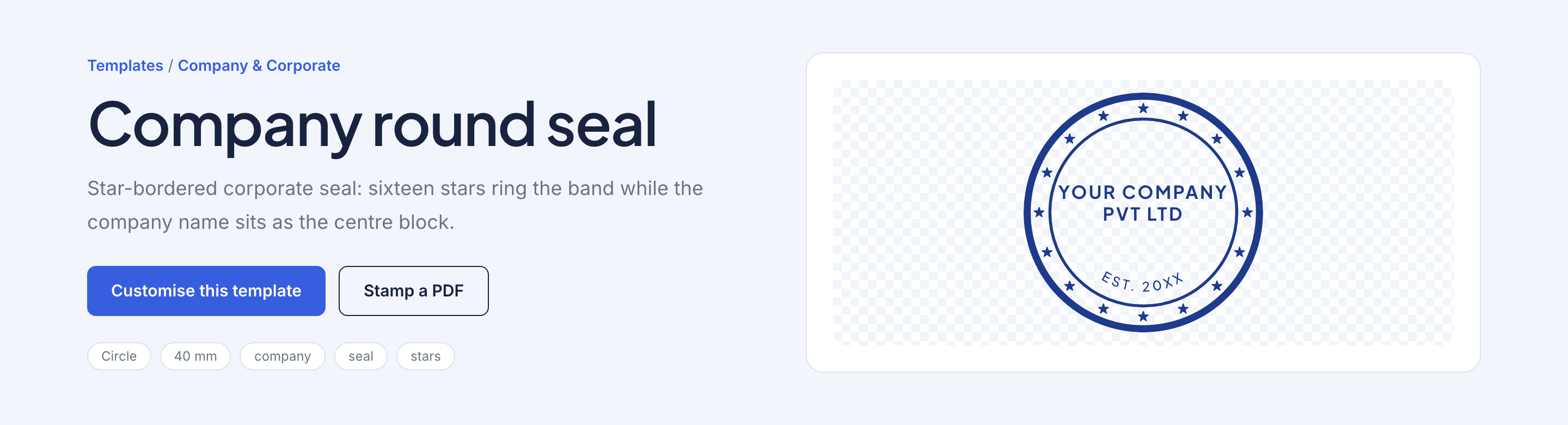
The detail page lists shape, size and tags, with a one-click path into the editor. - 2
Send it to the editor
Choose “Customise this template”. It opens in the editor pre-built, with every layer ready to edit.
- 3
Edit the text
Click any text or curved text to select it, then change the wording in the right inspector. Replace the sample name, registration line and centre text with yours.
- 4
Recolour and resize
Set your ink colour and adjust the plate size in millimetres if you need it larger or smaller. Everything reflows to fit.
- 5
Download
Export a transparent PNG for documents, or SVG for manufacturing — same as any stamp you build from scratch.
Template as a starting point
You’re not limited to what the template ships with. Add a ring, a logo or a divider line — a template is just a head start you can take anywhere.
Note
Editing a template never changes the original. Your edits live in your browser session; come back to the same template any time for a clean copy.
Frequently asked questions
Do template edits change the original?
No. Customising opens a private copy in the editor. Reopen the template anytime for a clean start.
How many stamp templates are there?
More than 100 editable seals across company, CA, bank, status, India bilingual and other categories.
How do I open a template in the editor?
Open the template detail page and choose Customise this template, or browse a category and customise from there.
Can I add layers after customising a template?
Yes. Templates are starting points — add rings, logos or ornaments the same way you would on a blank plate.
Where are India bilingual templates?
Open the India Seals category for Hindi/English and GST-style starters, then edit both language lines.
Keep learning
- Stamp Maker in 5 minutes: a guided tourLearn Stamp Maker in minutes: templates, stamp editor, Stamp PDF and image tools. Free, private and browser-based — no signup.
- Create a simple round company seal from scratchStep-by-step: build a single-ring round company seal from scratch with curved text, centre line, ink colour and transparent PNG export.
- Stamp a PDF: place, resize, rotate and apply to every pageUpload a PDF and seal image, place and rotate the stamp, apply it to every page, and download — privately in your browser.