How to draw a signature online and download a transparent PNG
Draw is the closest match to signing on paper. You sketch on a blank pad, refine the pen feel, and export a clean transparent PNG for documents, receipts or Sign PDF upload.
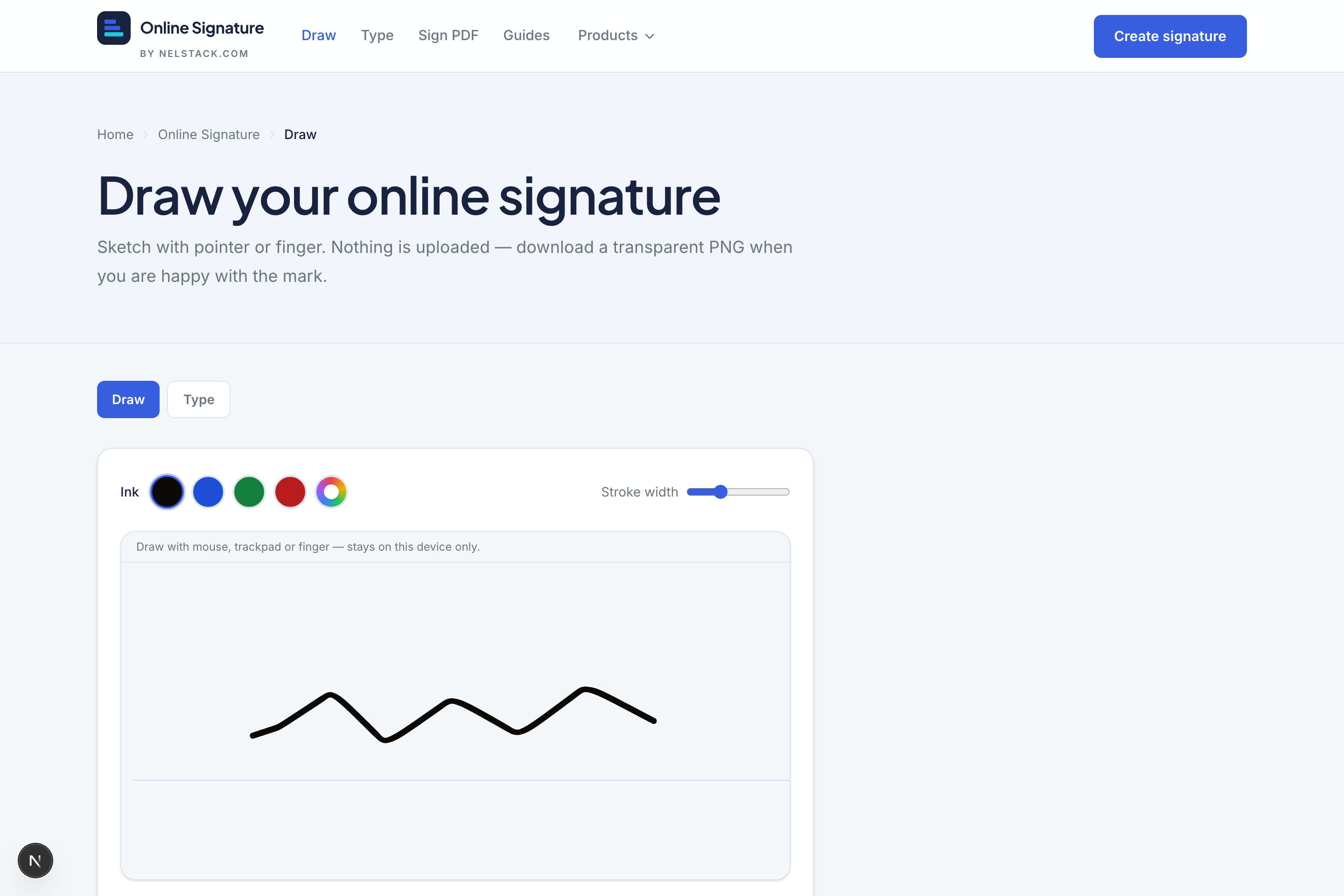
Draw pad at a glance
- Input
- Mouse, trackpad, finger or pen
- Ink
- Black, Blue, Green, Red + custom colour picker
- Stroke width
- Slider from 1 to 6 (default 2.5)
- Styles
- Default, Elegant, Bold, Quick
- Advanced
- Smoothing, Streamline, Angle (−20° to 20°), Taper
- Export
- Transparent PNG (optional opaque white background)
Step by step
- 1
Open Draw
Go to Online Signature → Draw. The pad is ready immediately — nothing to install.
- 2
Pick ink and a style
Choose a familiar ink colour (blue and black are the usual document colours). Try Elegant for a smoother pen or Bold for a heavier mark.
- 3
Sign the pad
Write naturally. If a stroke goes wrong, Undo once; if the whole attempt is off, Clear and try again.
- 4
Tune advanced controls (optional)
Smoothing and Streamline reduce jitter. Angle tips the stroke slightly. Taper softens the ends of each stroke so they look more like a fountain pen.
- 5
Choose background and download
Leave the background transparent for most documents. Turn on opaque white only if the destination cannot handle transparency. Then download the PNG.
Use it inside Sign PDF
You do not have to download first. In Sign PDF, place a Signature field and open the capture modal → Draw tab to sketch in place. Saved signatures can be reused on later documents.
Frequently asked questions
Can I draw with my finger on a phone?
Yes. The pad accepts mouse, trackpad, finger and stylus. Pressure is used when the device reports it.
What file format do I get?
A trimmed transparent PNG named for download (nelstack-signature.png). There is no watermark.
How do I undo a bad stroke?
Use Undo to remove the last stroke, or Clear to wipe the canvas and start again.
How do I make a drawn signature look smoother?
Raise Smoothing and Streamline in advanced controls, try the Elegant style, and sign a little slower. Undo bad strokes instead of layering corrections on top.
Can I use a drawn PNG inside Sign PDF later?
Yes. Download the transparent PNG, then in Sign PDF place a Signature field and choose Upload — or draw again inside the capture modal without leaving Sign PDF.
Keep learning
- How to type a cursive signature online with handwriting fontsType your name in a handwriting font, pick ink colour, and download a free transparent PNG. 14 cursive styles — private in your browser.
- Capture a signature for PDF: type, draw, upload and saved marksHow the Sign PDF capture modal works: type with 14 fonts, draw on a pad, upload PNG/JPG, and reuse up to six saved signatures stored on your device.
- Online Signature in 5 minutes: draw, type and Sign PDFTour Nelstack Online Signature: draw or type a transparent PNG, then sign a PDF in your browser. Free, no signup, designed for browser processing.